9.7.4 Leash Explained: The CodeHS Ball and Line Exercise
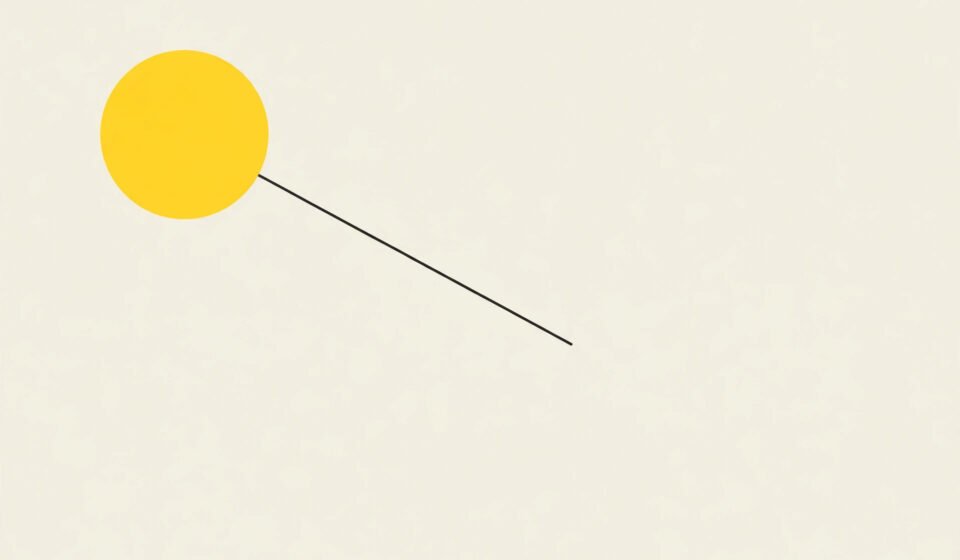
If you have reached the 9.7.4 Leash exercise, you have probably stared at a blank canvas and wondered why such a small program feels tricky. A ball sits in the middle of the screen, a line runs from the centre to the ball, and when you move the mouse, the ball follows. The line stretches and changes direction, but it never lets go of its starting point.
The name tells you where the exercise sits. In the CodeHS Introduction to Computer Science in JavaScript course, in the version often called the Golden 2022 curriculum, 9.7.4 means Unit 9, Lesson 7, activity 4. It belongs to a lesson about drawing lines and combining simple shapes so they move together. The exercise is not really about a ball or a leash. It is about keeping two different objects in agreement while something else changes.
What the 9.7.4 Leash exercise asks you to build
Picture a dog on a leash, held by someone standing still. The person does not move. The dog wanders, and the leash follows the dog, always joined at the hand on one end and at the collar on the other. The CodeHS version works the same way, except the person is a fixed point in the middle of the canvas and the dog is a circle that follows your mouse.
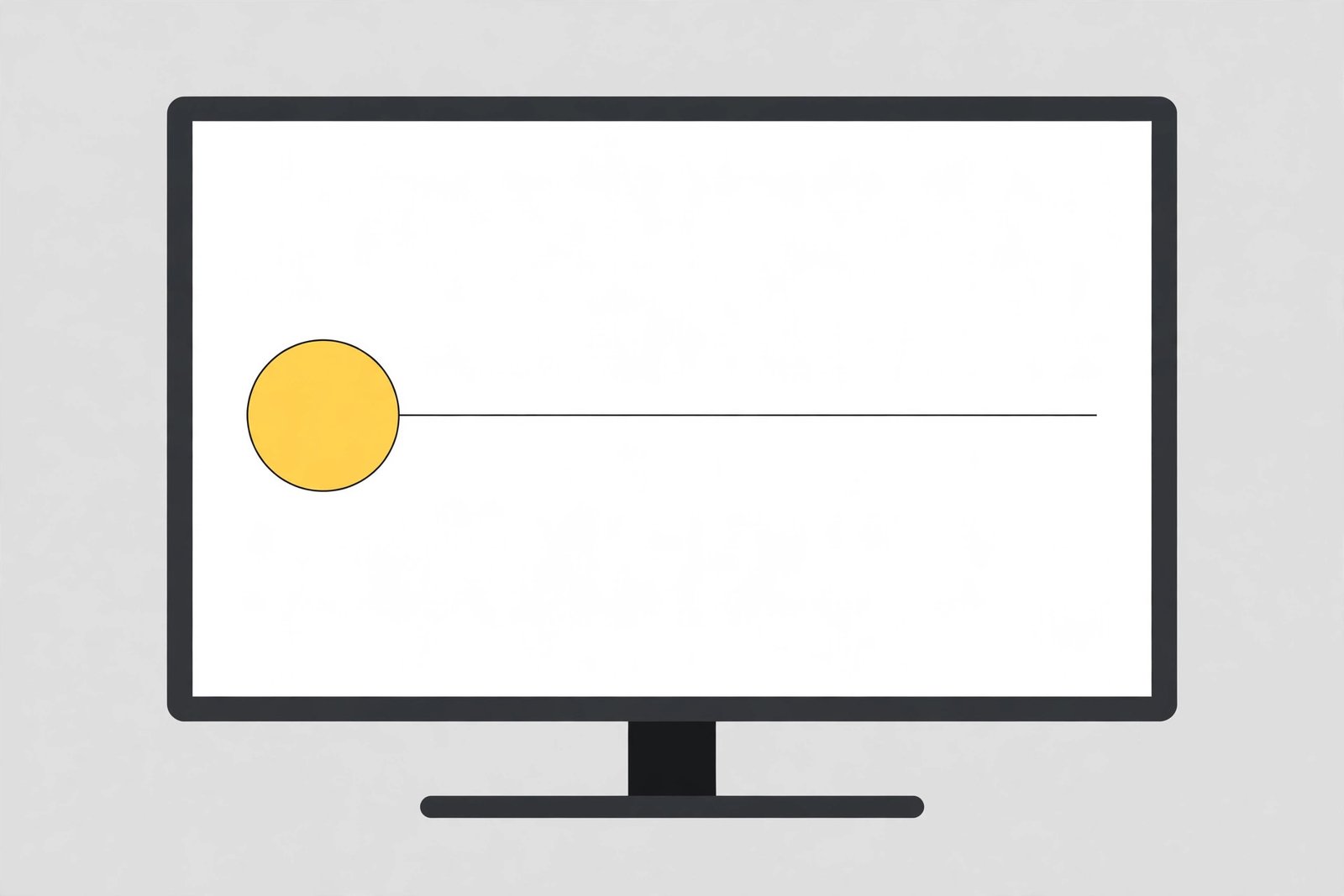
When the program starts, the ball should sit in the centre of the canvas, and the line should start at that same centre point and end at the ball, so at first it has no visible length. As soon as you move the mouse, the ball moves to the mouse position, and the far end of the line moves with it. The near end stays put. That contrast, one end fixed and one end moving, is the behaviour the exercise is checking for.
The three objects and what each one does
The anchor is not an object you draw. It is a position you calculate, by taking half the width of the canvas and half the height. Using the canvas size instead of typing in a fixed number means the program still works if the canvas changes size.
The ball is a circle. In the CodeHS graphics library, you create it with a radius, give it a position and a colour, and add it to the canvas. Many versions use a radius of 30 and a yellow ball, but your classroom version may ask for a different size or colour. Those details do not change the logic. What matters is that the ball is one object you can move later, not a shape you redraw each time the mouse moves.
The leash is a line, defined by a starting point and an ending point. At the start, both points are the centre of the canvas. The key idea is that a line is not a fixed drawing. It is an object with endpoints you can change. You do not draw a new line every time the mouse moves. You take the line you already made and move one of its ends.
| Part | What it is | What it does |
|---|---|---|
| Anchor point | The centre of the canvas | Stays fixed; the leash never leaves it |
| Ball | A circle with a set radius | Follows the mouse pointer |
| Leash | A line with two endpoints | Joins the anchor to the ball and stretches as the ball moves |
| Mouse event | A mouseMoveMethod call | Runs your update function when the mouse moves |
How the code fits together
A typical reference version looks like this. It is shown to study the logic, not as an official answer key, and your class may expect different variable names, colours, or sizes. The structure is what counts.
var BALL_RADIUS = 30;
var ball;
var leash;

function start() {
    var centerX = getWidth() / 2;
    var centerY = getHeight() / 2;
    leash = new Line(centerX, centerY, centerX, centerY);
    leash.setColor(Color.black);
    add(leash);
    ball = new Circle(BALL_RADIUS);
    ball.setPosition(centerX, centerY);
    ball.setColor(Color.yellow);
    add(ball);
    mouseMoveMethod(updateLeash);
}

function updateLeash(e) {
    var mouseX = e.getX();
    var mouseY = e.getY();
    leash.setEndpoint(mouseX, mouseY);
    ball.setPosition(mouseX, mouseY);
}
The three declarations at the top hold the ball size and two placeholders for the graphics objects, which are created inside start. Declaring ball and leash outside start matters, because the update function needs to reach them later. Inside start, the centre is worked out first, then the leash is created with both endpoints at the centre, then the ball is placed there too. Adding the line first and the ball second means the ball is drawn over the end of the line, like the leash is attached behind the ball.
The last line in start makes the program interactive. mouseMoveMethod tells the program which function to run whenever the mouse moves, here updateLeash. Nothing moves on its own. The program waits, and every small movement of the mouse becomes a call to that function.

What happens every time the mouse moves
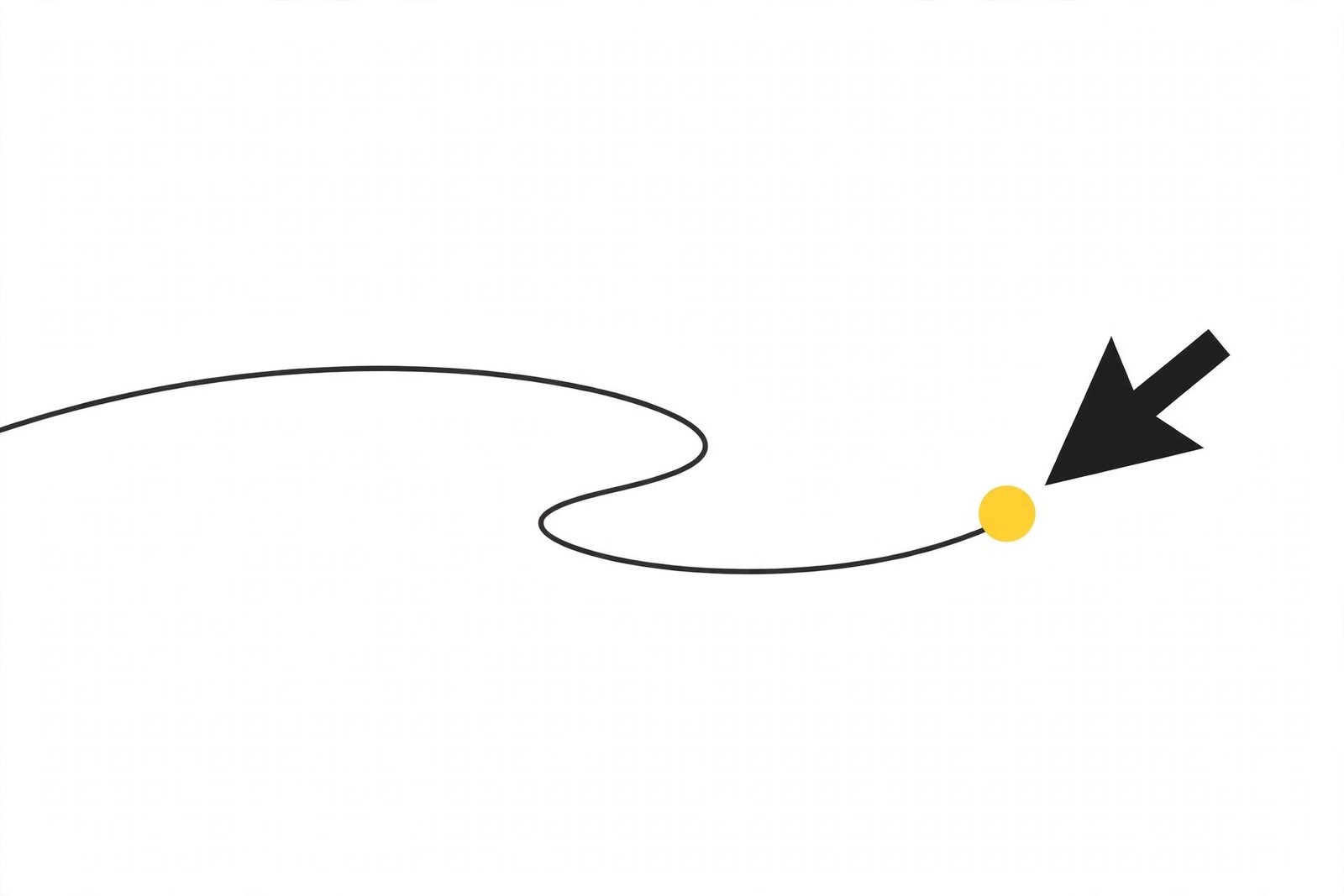
The updateLeash function is short, and its brevity is the point. It takes one input, usually called e, which is the mouse event. The function reads the mouse position with e.getX and e.getY, then does two things with the same pair of numbers. First, it moves the far end of the leash to the mouse position with setEndpoint, changing only the endpoint, so the start stays at the centre. Second, it moves the ball to the same position with setPosition.
The ball and the end of the line now share the same coordinates, which is why they stay joined. If those two calls used different numbers, even by a small amount, the ball would drift away from the end of the line. That shared pair of coordinates is the real lesson. The mouse event gives you one position, and you feed that same position to both objects. The function does not create a new ball or line, and it does not clear the canvas. Each call simply puts both objects at the current mouse position, and the calls happen so often that the movement looks smooth.
Common mistakes and how to spot them
Most errors fall into a small set of patterns, each with a recognisable symptom. Creating the ball or the line inside the update function is one: every mouse movement adds a new shape, and the screen soon fills with balls or lines. The fix is to create each object once, in start, and only move it in the update function. Forgetting the mouse method, or spelling it wrong, is another: the ball and line appear in the centre and then nothing happens. The program is simply never told to listen for the mouse.
Updating only one of the two objects is a third common fault. If you move the ball but forget the line, the ball wanders off and the line stays as a dot. If you move the line but forget the ball, the line stretches while the ball sits still. Scope errors are a fourth: if ball and leash are declared inside start, the update function cannot see them. Declaring them at the top of the file gives both functions access to the same objects. Finally, check the line’s starting point. If it starts at the top-left corner instead of the centre, the leash will run from the corner to the ball.
| Symptom | Likely cause | What to check |
|---|---|---|
| Nothing moves | Mouse method missing or misspelled | mouseMoveMethod names updateLeash in start |
| Screen fills with shapes | Objects created in the update function | Ball and leash are created once, in start |
| Ball moves, line does not | Line endpoint never updated | updateLeash calls leash.setEndpoint |
| Line moves, ball does not | Ball position never updated | updateLeash calls ball.setPosition |
| Leash starts in the wrong place | Wrong line start point | Both endpoints start at the canvas centre |
How to test it, and what it is really teaching you
Test with your eyes and your mouse. Load the program and leave the mouse still. The ball should sit in the centre, with no visible line, or at most a tiny dot behind the ball. That is the correct starting state. Move the mouse slowly to a corner. The ball should follow, and the line should stretch in a straight path from the centre to the ball, while the centre end never moves. Move quickly in a circle and check there is no visible gap between the ball and the end of the line.
It is tempting to treat 9.7.4 as a puzzle with one right answer, copy the code, and move on. That gets the mark, but it misses the skill the lesson is building: coordination, keeping two objects in step by feeding them the same information. The exercise also teaches you to separate setup from action. The start function prepares the scene once, and the update function reacts many times. When a program behaves oddly, describe what you see before you change anything, because each symptom points to a different part of the code. Check the three pieces, check that both objects share the same mouse coordinates, and check that the anchor never moves. In most cases, one of those checks finds the fault.
FAQs
What is the 9.7.4 Leash exercise in CodeHS?
It is an introductory JavaScript graphics exercise in the CodeHS Introduction to Computer Science in JavaScript course, listed as Unit 9, Lesson 7, activity 4 in the Golden 2022 curriculum. You build a ball joined by a line to a fixed point in the centre of the canvas, and the ball follows the mouse while the line stretches with it.
What does the leash connect?
The leash is a line. One end stays fixed at the centre of the canvas, and the other end moves with the ball. The ball and the moving end of the line always share the same coordinates, which keeps them joined.
Why does the ball not move in my program?
The most common reason is that the mouse method is missing or misspelled. Check that start calls mouseMoveMethod with the name of your update function, and that the update function moves the ball with setPosition using the mouse coordinates.
Why does my screen fill up with balls or lines?
That usually means you are creating a new ball or line inside the update function, so a fresh shape is added on every mouse movement. Create each object once in start, and only change its position in the update function.
Can I change the ball size or colour?
Yes, in most classroom versions you can. The radius is usually stored in a variable such as BALL_RADIUS, and the colour is set when the ball is created. Changing those values should not change the logic, as long as the update function still moves the ball and the line endpoint to the same mouse position.
Useful links: ClockToday | Google