
ZVideo Explained: What It Is, How It Works, and Who It Is For
Type “zvideo” into a search box and you will not get one clean answer. Some pages describe a video-sharing site. Some describe an AI tool that turns words into moving pictures. A few describe enterprise software from an entirely different era. That confusion is the first thing worth sorting out, because it shapes what the tool can do and what to check before spending money on it.
This guide sticks to what can actually be checked. The most concrete thing called zvideo today is Z-Video, an AI video generator at zvideo.video. It turns a written prompt, or a still image, into a short video clip. Where the evidence runs thin — ownership, launch date, user numbers, exact prices — this article says so, rather than filling the gap with a guess.
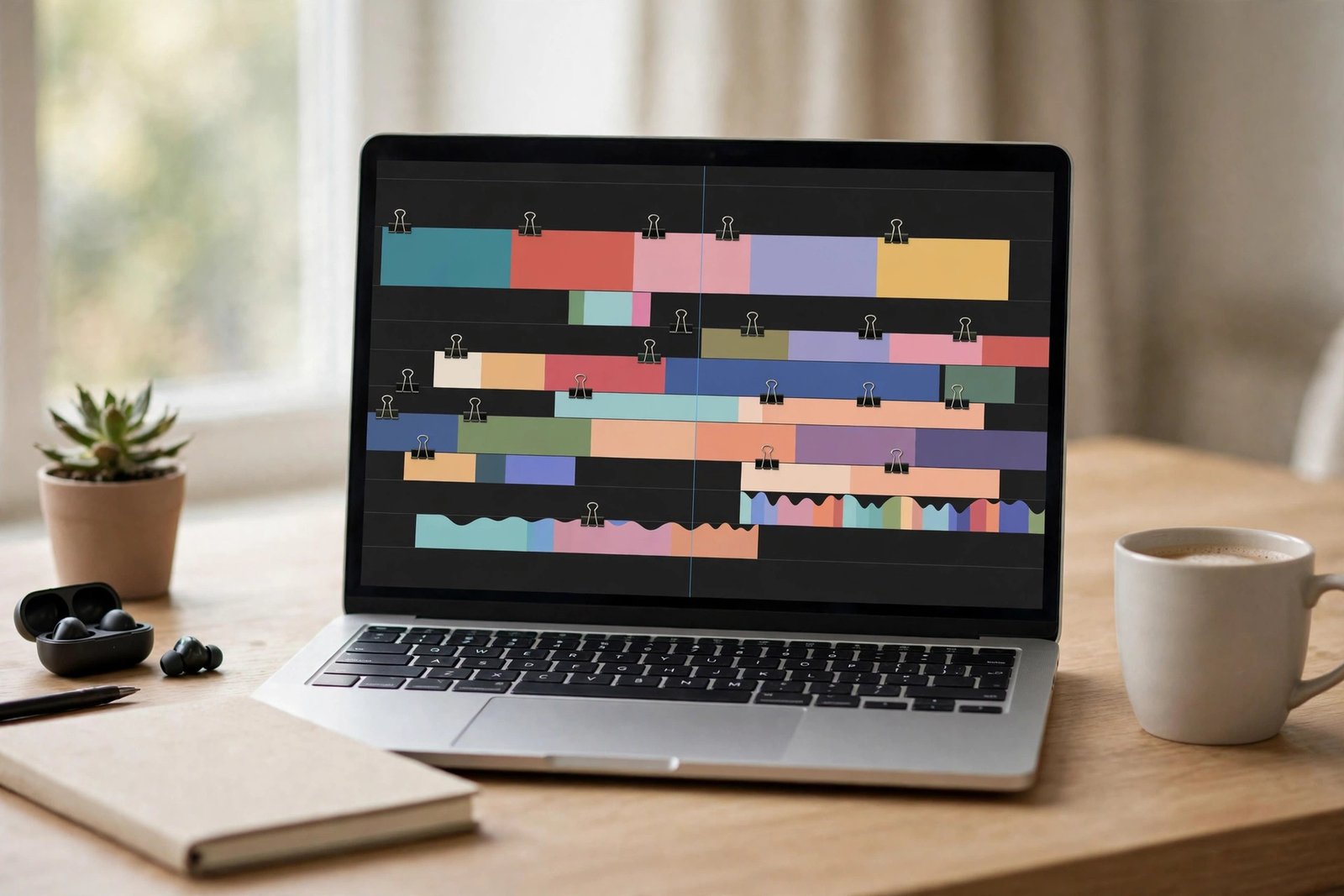
A short clip can start from a sentence or a still image. That is the idea behind Z-Video.
What zvideo is
In its current, most verifiable form, zvideo — written by its own site as Z-Video — is a browser-based AI video generator. You describe a scene in plain language, or you upload a still image, and the tool produces a short clip. The site presents it as a way to make polished motion without a long production cycle, for ads, product stories, social launches, and fast campaign work.
That framing matters. Z-Video is not pitched as a place to watch other people’s videos, the way a video-sharing platform is. It is a production tool. The output is a clip you use somewhere else: on a product page, in a paid social campaign, or as a teaser for a launch. It runs in the browser, so you can start an idea on a phone and pick it up on a desktop.
The name problem: three different “zvideo” meanings
The same letters have been attached to at least three different things. The first is the AI generator above. The second is a video-sharing platform described in many guide-style blog posts, with uploads, profiles, comments, and live streaming. Those posts often attach very specific numbers to it — user counts in the hundreds of millions, revenue shares, upload resolutions. None of those numbers could be verified from an official source, and several posts contradict each other. Treat them as unconfirmed.
The third is an older enterprise product, ZViDEO from Z Microsystems, built for broadcast and organisational video libraries: capture, encoding, indexing, and streaming over a company’s own network. It has little in common with either of the other two beyond the name. A similar site, z-video.app, offers AI text-to-speech and avatar tools, but no clear public statement ties it to Z-Video.
| What you found | What it appears to be | How much is verifiable |
|---|---|---|
| Z-Video at zvideo.video | AI video generator: text to video and image to video | High — the site describes the product and its support address |
| “ZVideo” video-sharing platform in guide blogs | A video-sharing platform, as described by third-party blogs | Low — no official source for owners, launch date, or user numbers |
| ZViDEO by Z Microsystems | Older enterprise broadcast video software | Medium — documented by the vendor, but a different product |
How Z-Video works
The workflow, as the official site describes it, has three steps: start with a prompt or an image, shape the output, then generate and export. The work is in the first step, because the quality of the clip depends on how clearly the scene is described. A useful text prompt covers five things: what is in the scene, what moves and how, where it takes place, what it should feel like, and how the camera behaves.
For image to video, you upload a still and describe the movement you want. The composition stays anchored to your image, which is why this route suits product work: the bottle or box in the frame is the one your team already approved, not a fresh invention. After generation, you review the clip, refine the prompt, and try again. The site is built around fast iteration, and speed depends on clip length, prompt complexity, resolution, and queue load.

Text to video starts with a clear description. Image to video starts with a still you trust.
What you can make with it
The official site lists a specific set of uses. Product promos come first: animating a packshot, building a lifestyle scene around a product, refreshing a seasonal promotion without a reshoot. Then paid social variations — testing several hooks for the same product. Then teaser trailers, landing page hero loops, app walkthroughs, founder announcements, educational visuals, and campaign refreshes.
E-commerce teams, creators, and small launch teams use it most. It is less suited to long explainers, interviews, or anything that depends on real footage. It makes motion quickly; it is not a replacement for a camera.
Features worth knowing about
Beyond the two core workflows, the site describes HD output at 1080p, with several aspect ratios so the same idea can be cut for a feed, a story, or a landing page. Generations can be saved, so you can return to an earlier version.
Paid plans are described as including a commercial use licence, no watermark, a priority queue, private generations, and batch generation, with API access on higher tiers. The licence matters most: it decides whether a clip can legally go into a paid ad or a client deliverable, so read its exact terms before publishing anything for a client. “No watermark” is listed as a paid feature, so check the output you actually receive.
| Feature | What it means | Who it helps most |
|---|---|---|
| Text to video | A written scene becomes a short clip | Marketers testing new concepts |
| Image to video | A still image is animated, keeping its composition | E-commerce teams with approved product shots |
| Commercial use licence (paid plans) | Clips usable in ads and client work, per the plan terms | Agencies and sellers running paid campaigns |
ZVideo vs YouTube and TikTok
Z-Video is not a rival to YouTube or TikTok. Those are platforms where people watch videos and build audiences. Z-Video makes clips; it does not give you an audience. Against a traditional shoot, its advantage is speed and cost: a draft can exist in minutes, and you can test five hooks before committing to one. The trade-off is control and realism. A camera captures a real product in a real place; an AI generator interprets a description, and the result can include small errors — a hand that moves oddly, a label that warps, a background that shifts. For a quick social ad, that may not matter. For a hero video on a product page, it might.

For a small team, the test that matters is a real product shot, not a demo reel.
Pricing: what is known, and what is not
Pricing is where the public record gets messy. The official site lists plan features — commercial licence, priority queue, no watermark, 1080p quality, private generations, batch generation, API access on higher tiers — and mentions a discount and cancelling anytime. The version of the page checked for this article did not display clear dollar prices for each plan, A third-party AI tools directory lists three annual plans at $9.90, $19.90, and $49.90 a month, with different credit allowances.
Those directory figures are a third party’s listing, tied to a promotional offer that may have changed. Do not treat them as the current price. Before paying, open the official pricing page and note the plan names, the credit allowance, and whether billing is monthly or annual.
Is zvideo safe to use?
There is no public evidence that zvideo.video is a scam, and equally no independent verification of the company behind it. No owner, founder, company address, or launch date could be found from a reliable public source. The site does publish a support address, support@zvideo.video, which is at least a real point of contact.
Start with the free tier or free credits, if offered, and generate a clip from your own image before entering card details. Keep the first payment small and monthly, rather than committing to a year upfront.
Tips for better results
Name the subject first, then the action, then the setting, then the light and mood, then the camera. Keep sentences short. If a result comes back wrong, change one thing at a time — the motion, or the framing, or the style — instead of rewriting the whole prompt, or you will never learn which change fixed it. For product work, start from image to video: your approved still is the anchor and keeps the product recognisable across a campaign. Always watch the full clip before publishing.

Write the brief like a brief: subject, action, setting, light, camera. Change one thing at a time.
Who should try it, and who should skip it
Z-Video fits a small e-commerce seller who needs product motion for social ads without a studio, a creator who publishes short-form video daily and needs hooks fast, and a startup founder who wants a landing page loop or launch teaser without hiring a video team. It fits less well for anyone who needs long-form video, precise control over every frame, or footage that must be verifiably real.
The bottom line on zvideo
Zvideo, in the form you are most likely looking for, is Z-Video: a browser-based AI video generator that turns text prompts and still images into short clips for ads, product pages, and social content. It is a production tool, not a video-sharing platform, and the older “ZVideo” platform in many guide blogs is a different, largely unverified story that shares only the name. What is solid is the workflow — describe a scene or upload a still, shape the output, generate, review, and export. Test it on your own material, check the current pricing and licence terms before paying, and judge it by the clips it makes for you.
FAQs
What is zvideo?
Zvideo, presented as Z-Video at zvideo.video, is a browser-based AI video generator. It turns a written prompt or a still image into a short video clip, mainly for ads, product videos, social content, and launch assets.
How does Z-Video turn text into video?
You write a plain-language prompt describing the subject, motion, setting, style, and camera feel. The tool generates a first cut and lets you refine the pacing, framing, and energy.
Can Z-Video animate a still image?
Yes. Its image-to-video workflow takes a still image, such as a product photo or key art, and adds movement while keeping the original composition.
Is zvideo free?
The official site describes a price range of 0 to 99.90 USD and lists paid plans with features such as a commercial use licence and no watermark, which suggests a free or trial tier exists alongside paid plans. Check the official pricing page before paying.
Is zvideo safe to use?
There is no public evidence that zvideo.video is a scam, but very little verifiable public information exists about the company behind it — no owner, founder, or launch date could be confirmed. Start with a free tier if offered, and avoid a long annual plan until you have tested it.
Useful links: ClockToday | Google