Fentomagazine Com Sitemap: How to Find Any Article on the Site
You open fentomagazine.com looking for one specific story, and the homepage gives you the newest articles first. That is fine when you want what is fresh. It is not much help when you want something older, something on one topic, or a particular page like the contact form or the privacy policy. That is the job the fentomagazine com sitemap does, and it does it quietly in the background.
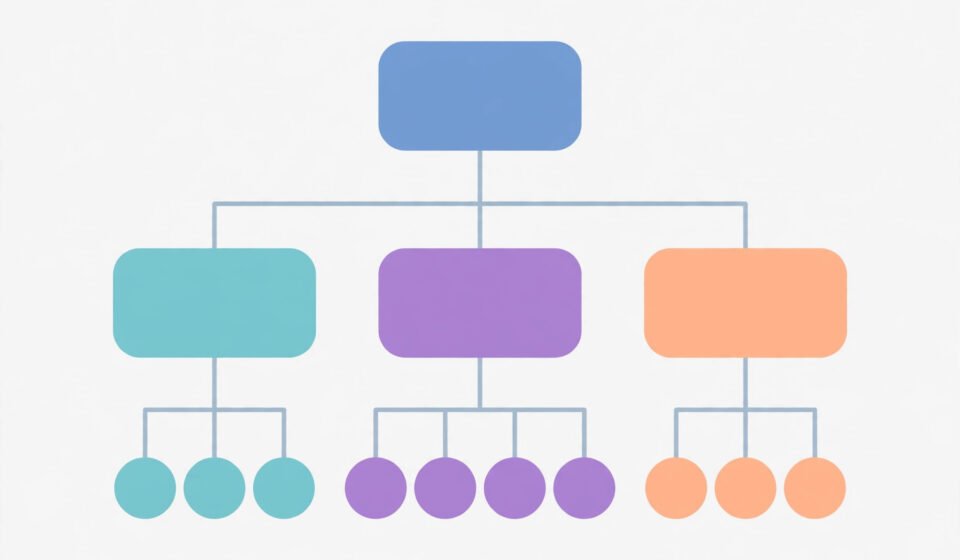
A sitemap is a map of a website. It lists the pages, the categories, and the sections in one organized place, so readers and search engines can find things without guessing. Fentomagazine.com keeps two versions of its map: one for machines and one for people. This guide explains what each one does, what it lists, and how to use it to get around the site fast.
What Is the Fentomagazine Com Sitemap?
The fentomagazine com sitemap is a full structural list of the website. It covers every published page in an organized hierarchy: the articles, the category archives, the author pages, and the static pages such as About Us, Contact, Privacy Policy, and Terms of Service. It updates automatically whenever new content goes live, so the map stays current without anyone having to rebuild it by hand.
Fentomagazine.com itself is a general-interest online magazine built on WordPress. It publishes across a wide spread of subjects — health and wellness, technology, digital marketing, real estate, jewelry, law, sports, fashion, and general news — rather than sticking to one niche. With that much ground to cover, and with the archive running to close to thirty pages of posts, a sitemap is not a luxury. It is how the site stays navigable at all.
The site’s own About page says the publication started out focused on comments, social media reactions, and online discussion, and then broadened into general-interest subjects. The sitemap reflects that history: the navigation still includes sections for comments, Instagram captions, Instagram bios, and a captions generator, sitting alongside the newer general categories.

The Two Versions: XML and HTML
Most well-run sites keep two kinds of sitemap, and fentomagazine.com is no exception. They serve different audiences, and knowing which one you need saves time.
| Sitemap type | Who it is for | Where to find it | How often it updates |
|---|---|---|---|
| XML sitemap | Search engines like Google and Bing | fentomagazine.com/sitemap.xml | Automatically, when content is published |
| HTML sitemap | Human readers | Linked in the website footer | With new content, on a regular cycle |
| Image sitemap | Image search | Generated with uploads | Per upload |
| News sitemap | Fresh article discovery | Generated for new stories | Daily |
The XML version is a machine-readable file. You can open it in a browser, but it is written for search bots: it lists the URLs, when each page was last changed, and how the pages relate to each other. Search engines use it to discover new articles quickly and to understand the structure of the site.
The HTML version is the one meant for you. It is a normal web page, linked from the footer, that lays out the site’s sections and pages in a readable directory. If you want to browse by topic instead of scrolling through the homepage, this is the faster route.

What the Sitemap Lists
The sitemap covers the whole site, not just the articles. That is what makes it useful as a directory rather than a simple archive. A reader looking for the contact page, the disclaimer, or a particular category can find it in the same place as the articles.
The main things it includes are the long-form articles and opinion pieces, the category archive pages sorted by topic, the author profile directories with publication history, and the static pages: About Us, Contact, Privacy Policy, Terms of Service, and Disclaimer. The site’s main content groups are lifestyle, technology, wellness, entertainment, finance, and trending stories, with additional coverage in business, fashion, law, and sports.
Because the sitemap regenerates automatically, a story published today shows up in it today. There is no waiting for a weekly rebuild. That matters for a site that publishes news-adjacent content, where being a day late can mean being invisible.

How Readers Can Use It
Most readers will never need to open the sitemap file directly, and that is fine — its job is partly invisible. But it is worth knowing about for three situations. First, when you remember a topic but not a title: the category archives in the sitemap let you browse everything the site has published on one subject, which is far more reliable than the site’s search box. Second, when you want a trust page: the About, Contact, and policy pages are all listed, so you can check who runs the site and how to reach them. Third, when a link from search results looks odd: comparing it against the sitemap tells you whether the page is really part of the site.
A practical habit is to start from the footer. The HTML sitemap link sits there, and from it you can jump to any section in one click. It is also a good way to judge a site at a glance. A publication with a clean, complete sitemap is usually one that takes its own structure seriously. A site with a broken or empty one is a warning sign.

What the Sitemap Tells You About the Site
A sitemap is a small window into how a publication thinks about itself. Fentomagazine.com’s tells a story of a site that grew beyond its original idea. The comments and captions sections show where it started. The health, real estate, law, and jewelry categories show where it went. The trust pages — About, Privacy Policy, Terms, Disclaimer, Contact — show that someone thought about what readers and search engines look for before deciding whether a site is legitimate.
That does not settle every question about the site. Ownership details are limited, and the breadth of topics means the depth of any single article can vary. But the structure is real and maintained, and for a general-interest magazine that is a meaningful signal. The sitemap is one of the more honest documents a website publishes, because it is a list of what is actually there rather than a promise of what might be.
Lookalike Domains to Watch For
Fentomagazine.com is not the only domain using a similar name. Others include fentomagazine.net, fentomagazine.org, myfentomagazine.com, and fentosmagazine.com. Some of these are separate publications with their own content; some are simply similar names. The point is practical: if you are looking for the sitemap, make sure you are on fentomagazine.com itself, not a lookalike. A sitemap on the wrong domain tells you nothing about the site you actually want.
The same caution applies in reverse. If you land on a page that claims to be part of Fento Magazine but the address looks wrong, check the sitemap of the real site. If the page is not listed there, treat the lookalike with care.
FAQs
What is the fentomagazine com sitemap?
It is a complete map of fentomagazine.com, listing every article, category, author page, and static page in an organized hierarchy, kept in both XML and HTML versions.
Where is the fentomagazine com sitemap?
The XML version is at fentomagazine.com/sitemap.xml, and the HTML version for readers is linked in the website footer.
What does the sitemap include?
It includes long-form articles, category archives, author profiles, and static pages such as About Us, Contact, Privacy Policy, Terms of Service, and Disclaimer.
How often does the sitemap update?
It regenerates automatically each time new content is published, so new articles appear in it right away.
Are there other sites with similar names?
Yes. Lookalikes include fentomagazine.net, fentomagazine.org, myfentomagazine.com, and fentosmagazine.com. Make sure you are on fentomagazine.com itself when using the sitemap.
Useful links: ClockToday | Google